
Essential Software Skills Every Civil Engineer Must Learn (2026 Career Guide)
- Anjali Regmi
- Jan 21
- 3 min read

Civil engineering has evolved far beyond manual drawings and paper-based calculations. Today, employers expect civil engineers to combine strong fundamentals with practical software skills. Whether you are a student, fresher, or early-career professional, learning the right software can significantly improve your employability, efficiency, and career growth.
This blog provides a complete, SEO-optimized guide to the most important software skills every civil engineer must learn, explaining what each tool is used for, who should
learn it, and how it helps your career.
Why Software Skills Are Critical for Civil Engineers Today
Modern construction projects are complex, large-scale, and time-sensitive. Software tools help engineers:
Improve accuracy and productivity
Reduce errors and rework
Optimize cost, time, and resources
Communicate clearly with teams and clients
Meet industry standards and deadlines
Civil engineers who lack software skills often struggle to compete, even if they have good academic knowledge.
1. AutoCAD – The Foundation Software for Civil Engineers
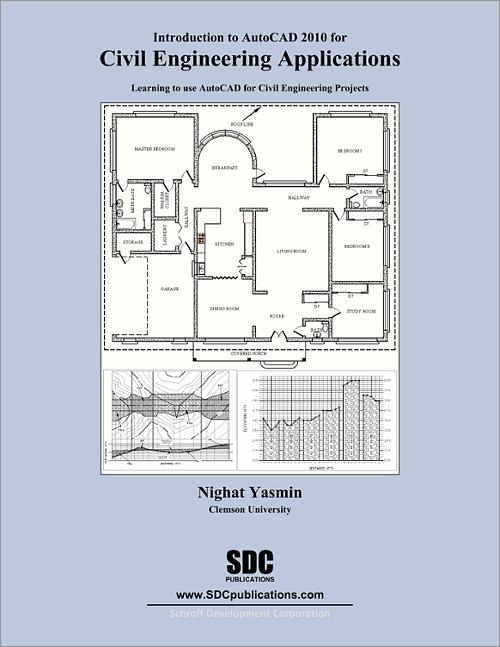
AutoCAD is the most basic and essential software for civil engineers. Almost every company expects freshers to know AutoCAD.
Why AutoCAD Is Important
Preparation of 2D drawings
Reading and modifying architectural and structural plans
Site layouts, sections, and details
Coordination between drawings and site execution
Who Must Learn It
All civil engineering students
Site engineers
Billing and planning engineers
👉 AutoCAD is not optional—it is a minimum requirement.
2. Excel – The Most Underrated Yet Powerful Tool

Excel is widely used in civil engineering for calculations, estimation, planning, and reporting.
Key Uses of Excel
Quantity take-offs and BOQs
Cost estimation and billing
Material tracking
Progress reports
Data analysis and charts
Why Excel Matters
Even senior engineers rely on Excel daily. Strong Excel skills often distinguish efficient engineers from average ones.
3. ETABS – Structural Analysis & Design Software
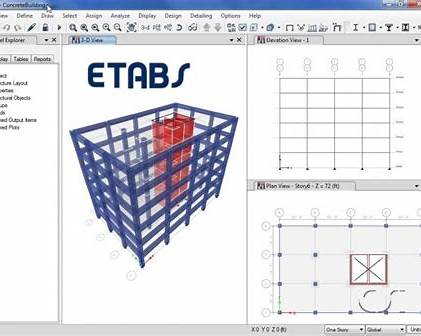
ETABS is a specialized software used for structural analysis and design of buildings, especially multi-storey structures.
What ETABS Is Used For
Structural modeling
Load analysis (dead, live, wind, seismic)
RCC and steel design
Structural safety checks
Who Should Learn ETABS
Structural engineering students
Design engineers
Engineers planning to work in consultancy firms
4. STAAD Pro – Structural Design for Various Structures

STAAD Pro is used for analyzing and designing steel, RCC, and industrial structures.
Key Applications
Industrial buildings
Steel structures
Bridges and towers
Structural load combinations
It is commonly used in industrial and infrastructure projects.
5. SAFE – Foundation & Slab Design Software
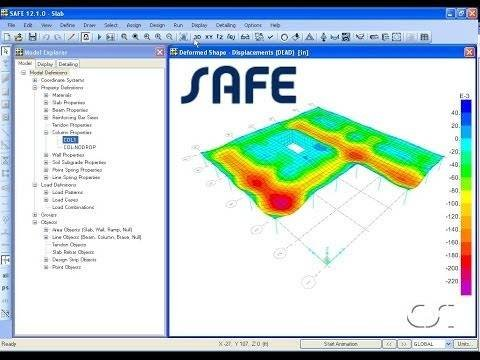
SAFE is used for:
Raft foundation design
Flat slab design
Footings and mat foundations
It complements ETABS and is valuable for structural design roles.
6. Primavera P6 – Construction Planning & Scheduling
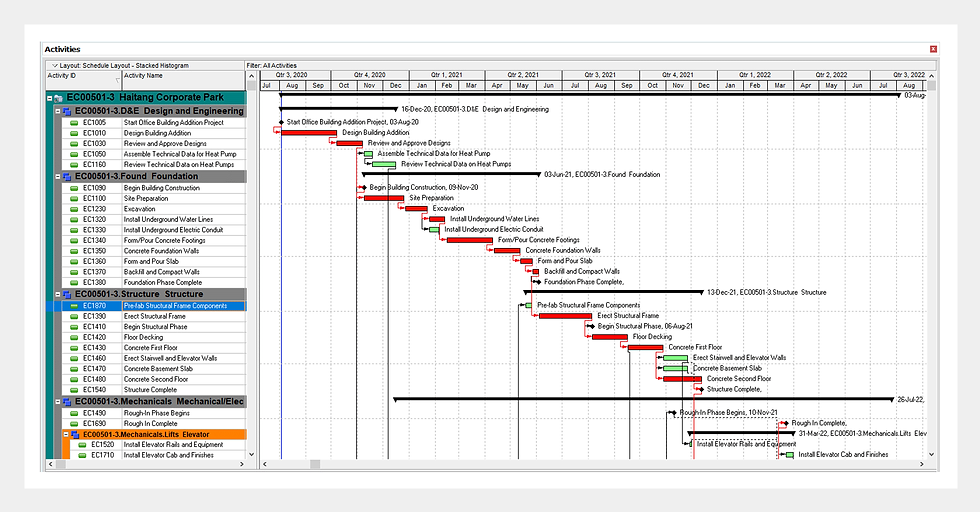
Primavera P6 is a project planning and scheduling tool used in large construction and infrastructure projects.
Why Primavera Is Important
Project scheduling
Resource allocation
Delay analysis
Progress tracking
Who Should Learn Primavera
Planning engineers
Project engineers
Engineers aiming for management roles
7. MS Project – Entry-Level Planning Tool

MS Project is simpler than Primavera and often used in small to medium-sized projects.
It is ideal for:
Freshers
Junior planning engineers
Basic project tracking
8. BIM Software – The Future of Civil Engineering
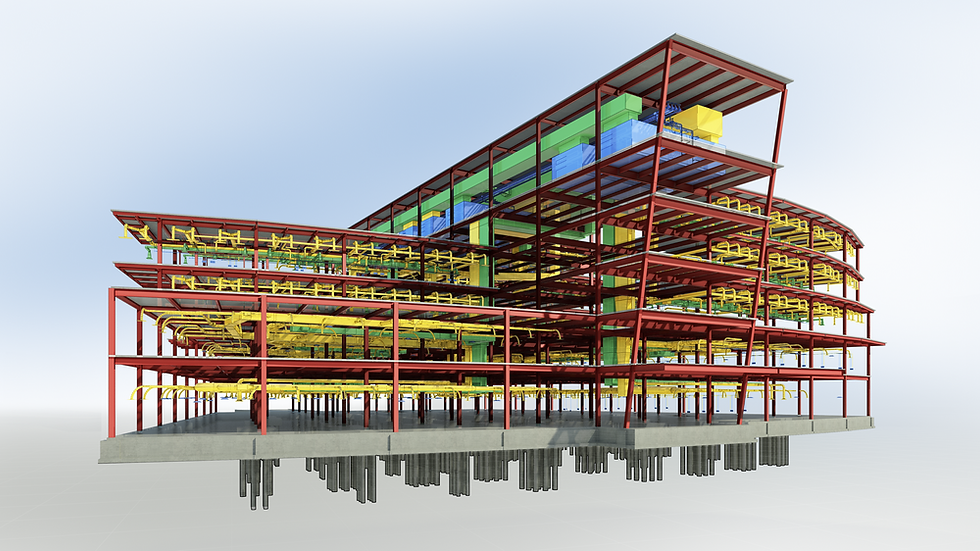
Building Information Modeling (BIM) is transforming the construction industry by integrating 3D modeling, data, and coordination.
Why BIM Matters
Clash detection
Improved coordination
Reduced errors
Better visualization
Who Should Learn BIM
Future-focused civil engineers
Design and coordination professionals
Engineers targeting international projects
9. Quantity Surveying & Estimation Software
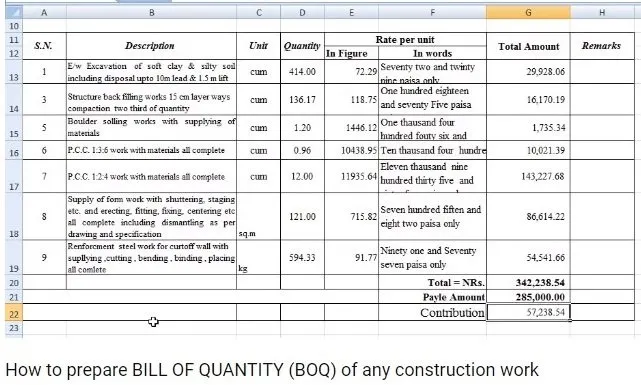
Software used for:
BOQ preparation
Rate analysis
Billing and cost control
Very useful for billing engineers and commercial roles.
Which Software Should Freshers Learn First?
Recommended Learning Order
AutoCAD
Excel
Basic estimation & billing tools
ETABS / STAAD (for design roles)
Primavera / MS Project (for planning roles)
BIM tools (for future readiness)
Learning everything at once is unnecessary. Role-based learning is more effective.
How Software Skills Improve Salary & Career Growth
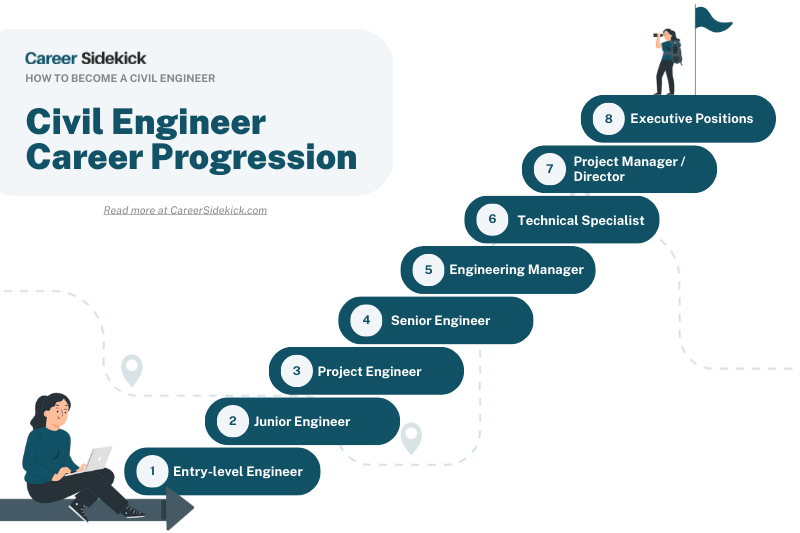
Engineers with software skills:
Get hired faster
Receive better starting packages
Grow into planning, design, or management roles
Gain international opportunities
Software knowledge combined with site experience creates high-value professionals.
Common Mistakes Students Make While Learning Software
Learning software without understanding fundamentals
Focusing only on certificates
Ignoring practical application
Skipping site exposure
Software is a tool, not a replacement for engineering knowledge.
Conclusion
In today’s construction industry, software skills are no longer optional for civil engineers. They enhance productivity, improve accuracy, and open doors to better opportunities. However, the true power of software lies in combining it with strong fundamentals and site experience.
Civil engineers who invest early in the right software skills build future-ready, high-growth careers.


Comments